
Time tracking that starts with a look.
Staff check in at the door — face recognition in a second or two, no badges to carry. HR gets timesheets, shifts and leave together in one place.
Wall terminal · Web admin · Chrome extension
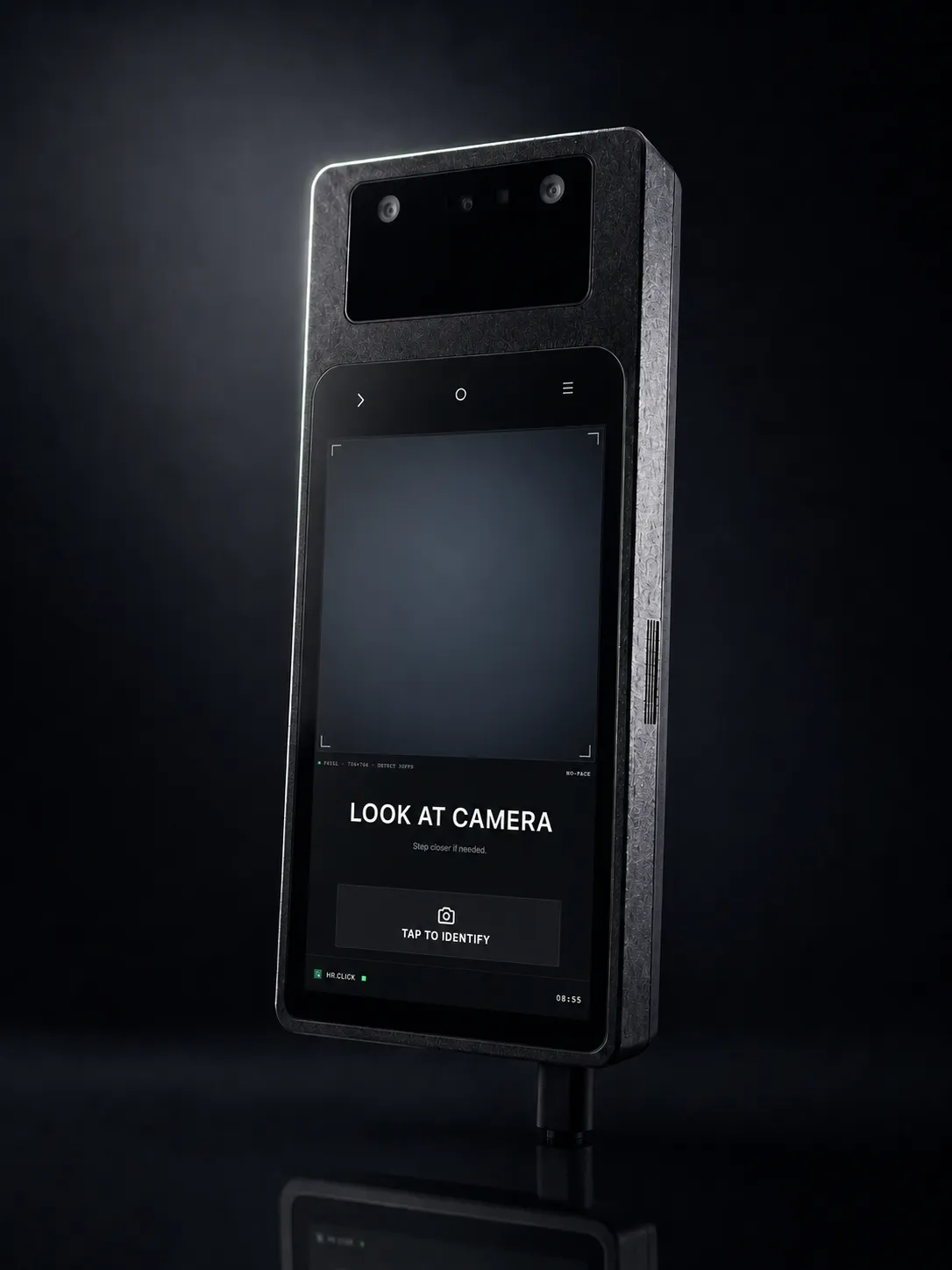
Three parts, one record of the workday.
Face check-in
A wall terminal by the entrance. It works offline and syncs on its own once the network is back.
Time & shifts
Timesheets fill in automatically. Plan shifts, and see overtime and lateness for each office.
Leave & structure
Vacation balances and approvals, plus departments and positions with their full history kept.
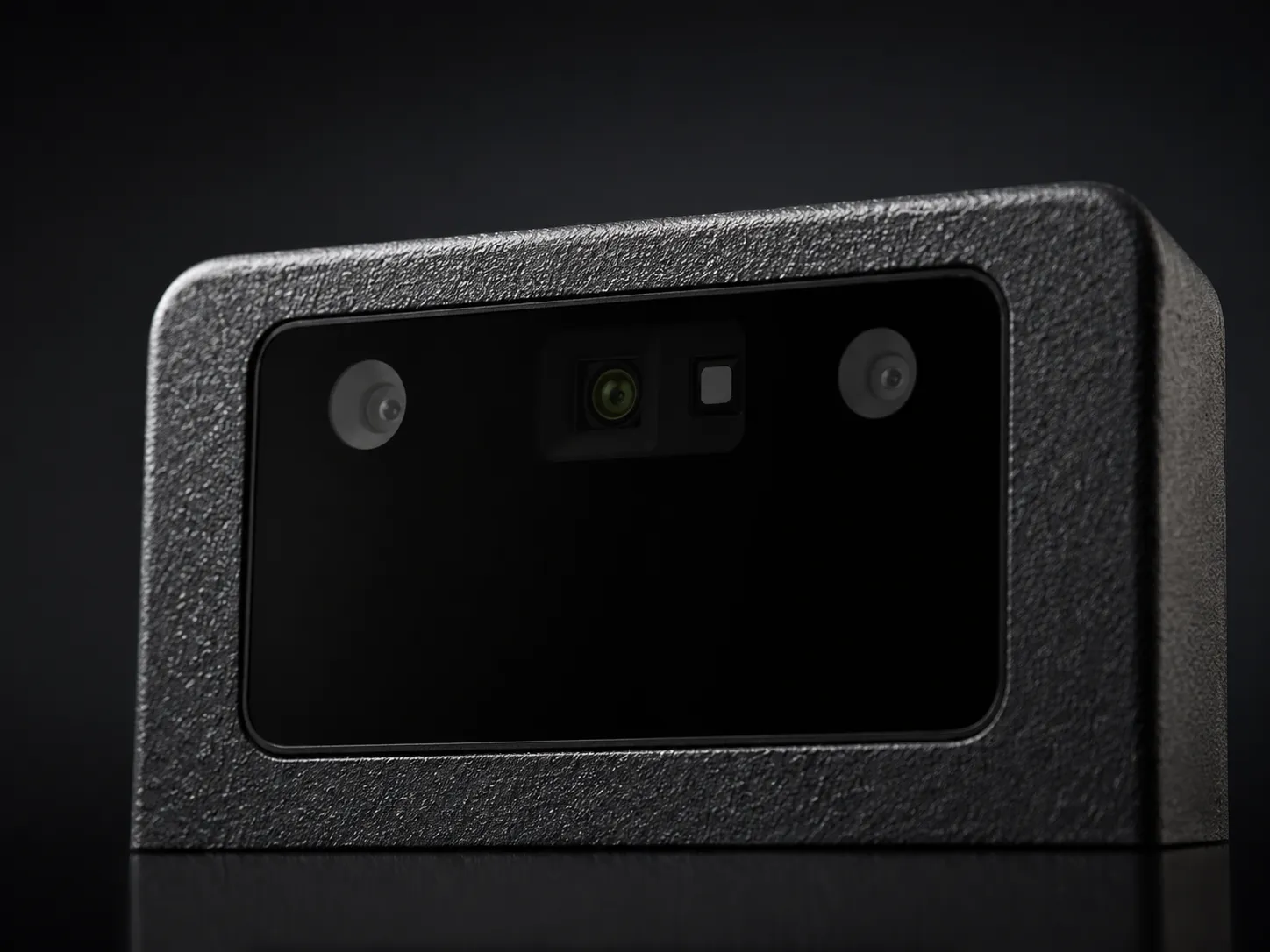
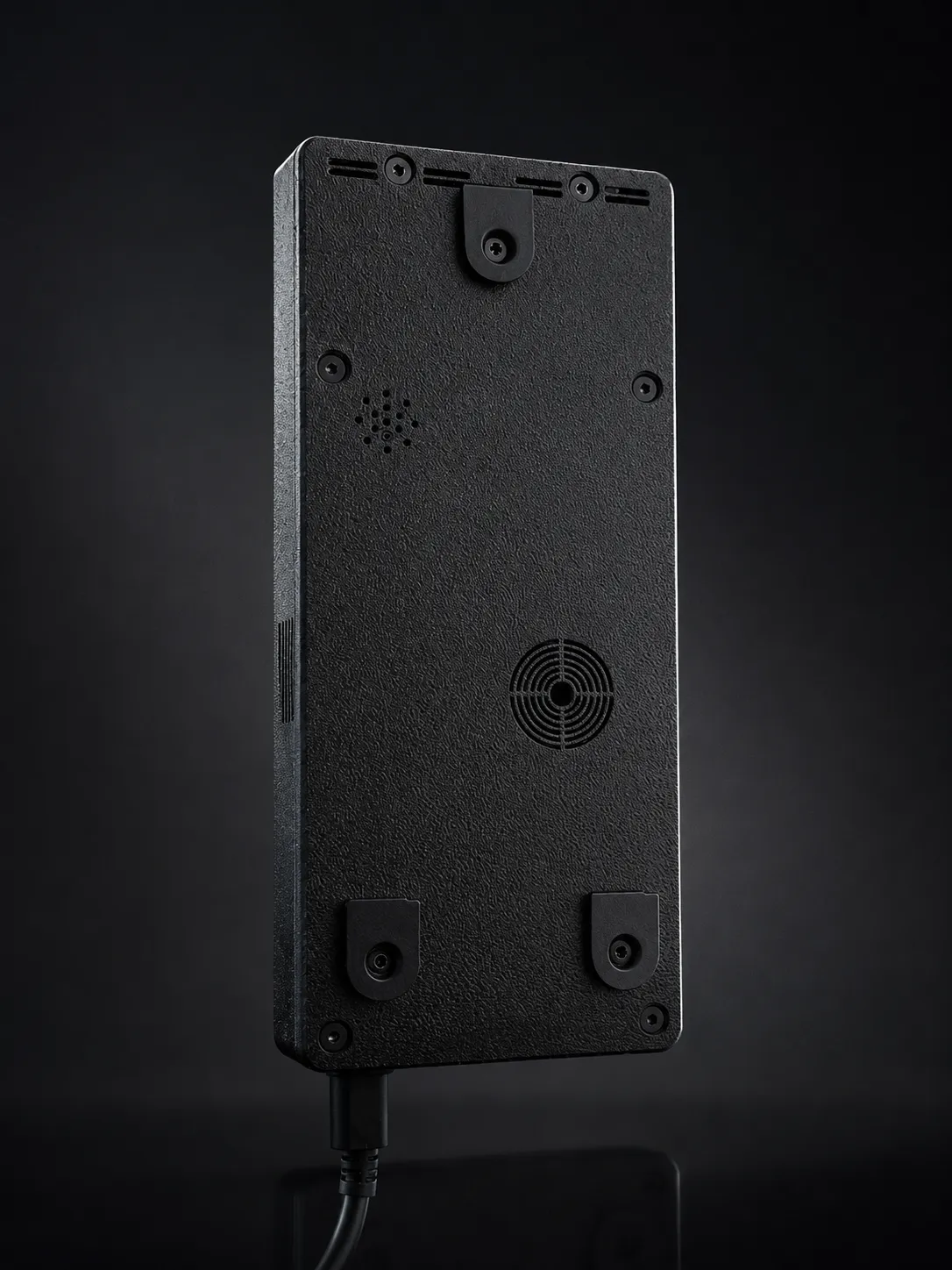
Made to sit on a wall and be forgotten.
A single sealed unit by the door. No reader to tap, no card to lose — just the camera and the screen.
Everything HR needs, in one place.
Light, dense, honest screens — tables and numbers, not dashboards for their own sake.
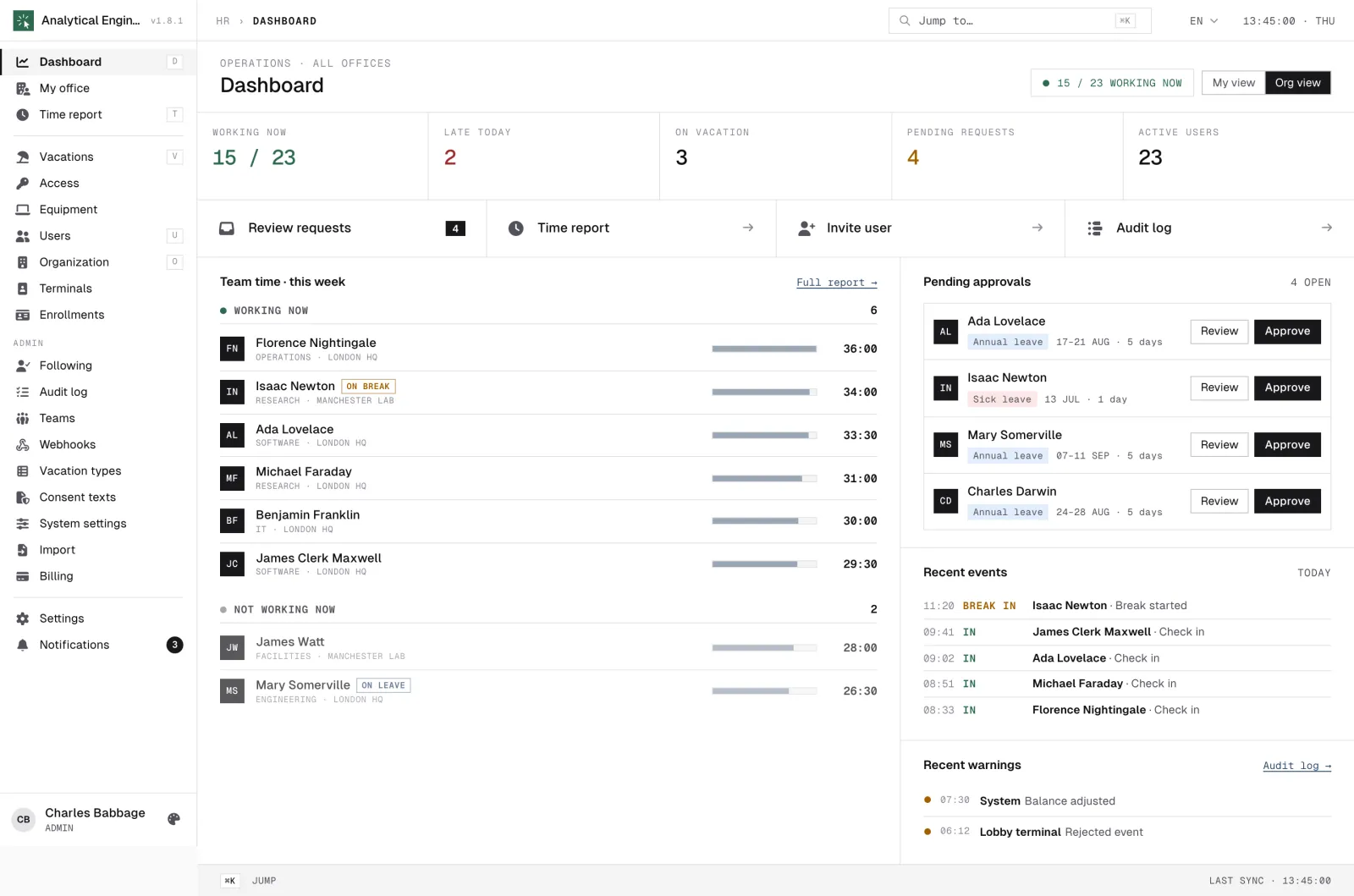
Today across the company — who is in, who is out, what is due.
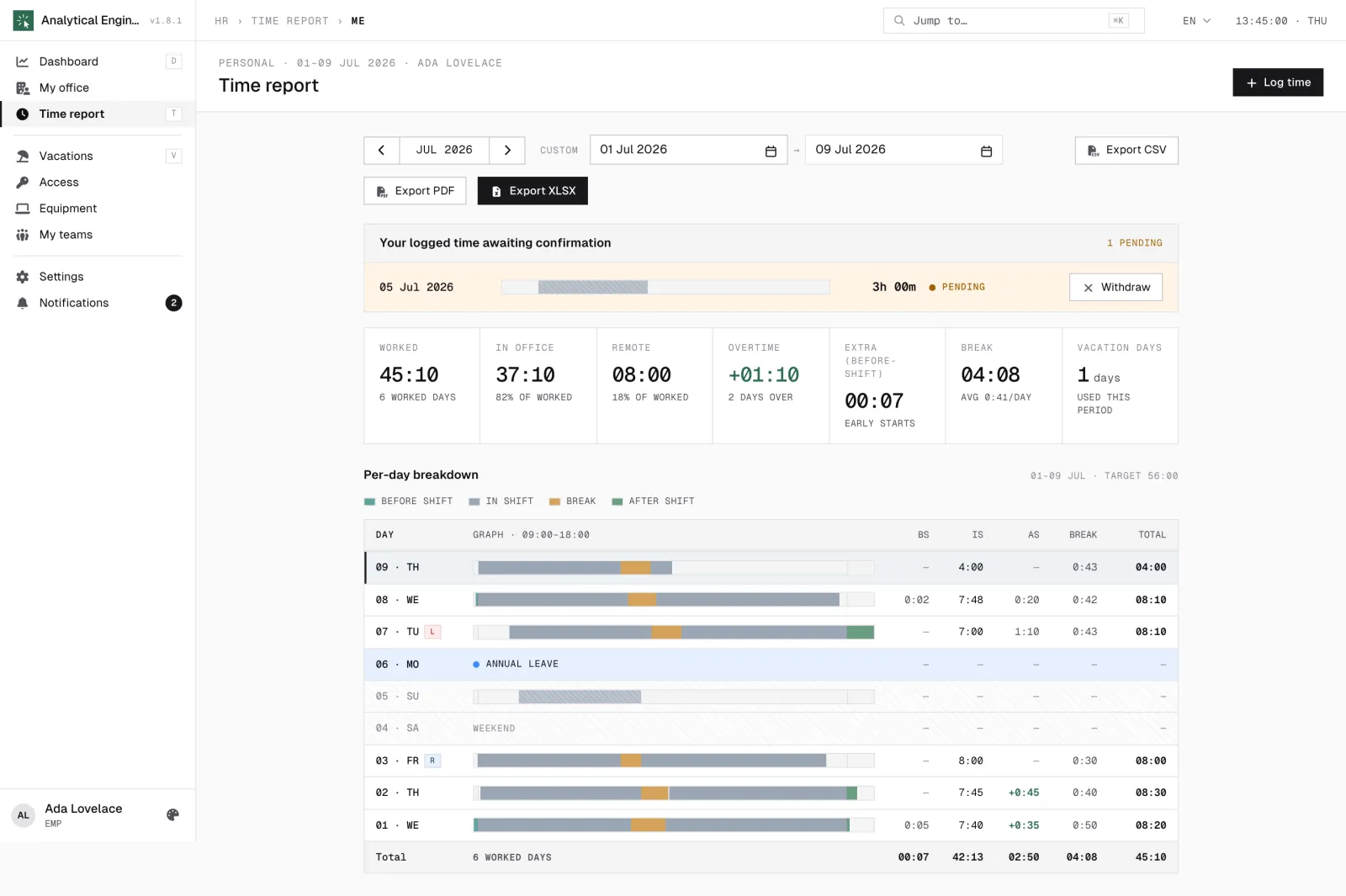
Timesheet by day and by office, with overtime and lateness.
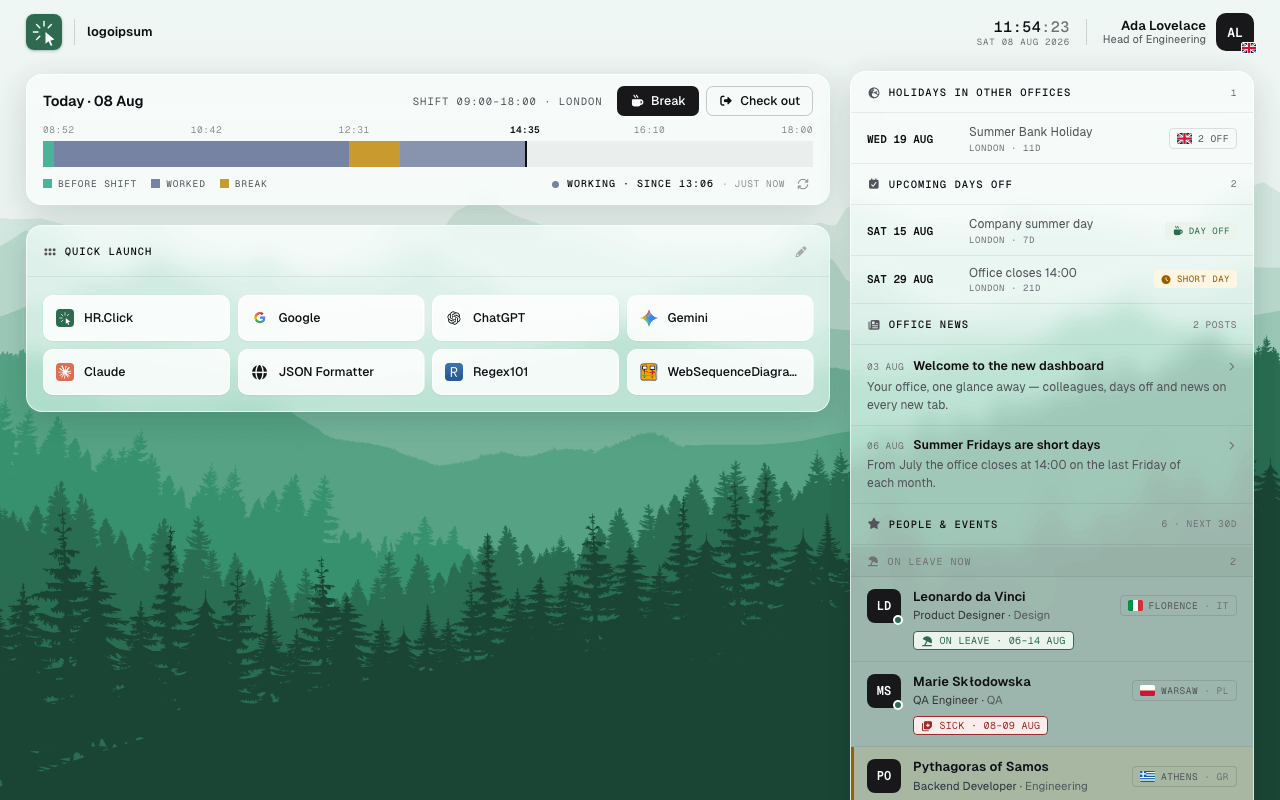
Your office at a glance — the Chrome extension's new-tab summary.
GDPR-compliant·Biometric data encrypted at rest